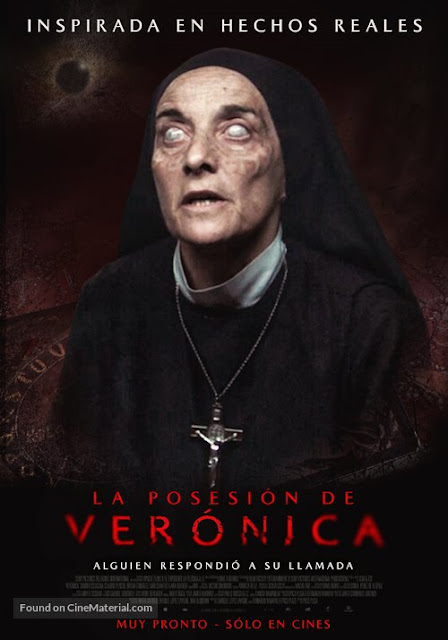
For this assignment I added blue/gray, red/gray, and green/gray hues to my skin. Then I added black circles around my eyes and blended it out. Lastly I added red splotches to my clothes and skin.
For this assignment I found a picture of J.K. Rowling and a group photo. Afterwards I cut out Rowling and put her in the photo. Lastly I changed the lighting a little.
For this assignment I took a picture of myself and colored over my eyes with a green at low opacity. Then I colored over my lips with a red at low opacity. I also used the blur tool to make my skin smooth.
For this assignment I took to photos of myself, one sticking my tongue out and one normal. Then I cut out my mouth with my tongue out and created a border around it. Then I cut out my eye with a heart shape and created a border around that. Lastly I put both the mouth and the eye on my normal photo.
Butterfly Model End Result For this assignment I found a picture of a model's face and a butterfly. Then I cut out one wing of the butterfly and put it over the model's face. Lastly I blended out the wing to make it seem like it blends into the model's face.
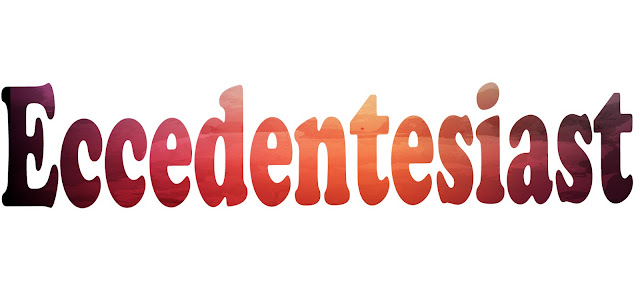
First I found an image of a watercolor background. Then I found one of my favorite words (don't judge). Then I used a clipping mask and moved the image inside the text. Lastly I saved the image.
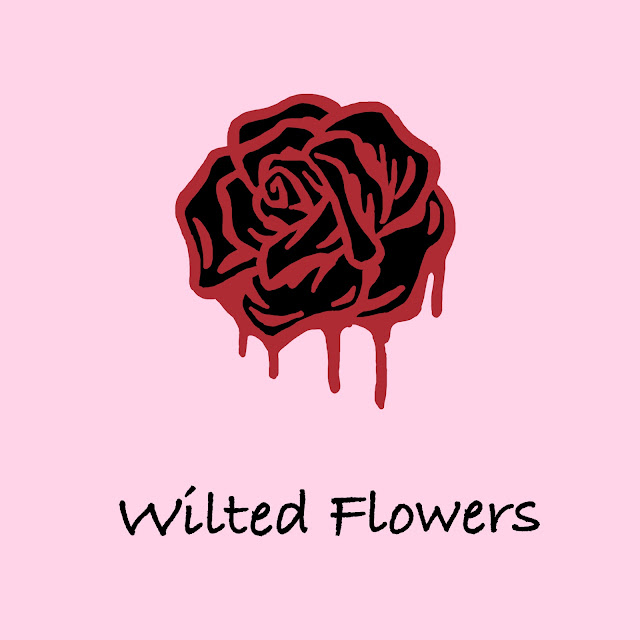
For this assignment I found a picture of a bloody rose and traced/colored over it. Then I put that on a light pink background. Lastly I put the name of the album on the bottom.
For this assignment I found a picture of myself from the past (I was on a road trip through Arizona) and cut out the filter ears, tongue, and nose. Then I took a picture of myself and shaped the filter to fit on my face. Lastly I added a yellow-ish lighting.
For this assignment I found a picture of tinkerbell, stitch, and bambi. Then I cut out stitch's head and placed it on bambi (I got rid of bambi's head). Lastly I cut out tinkerbell's wings and placed them on bambi.
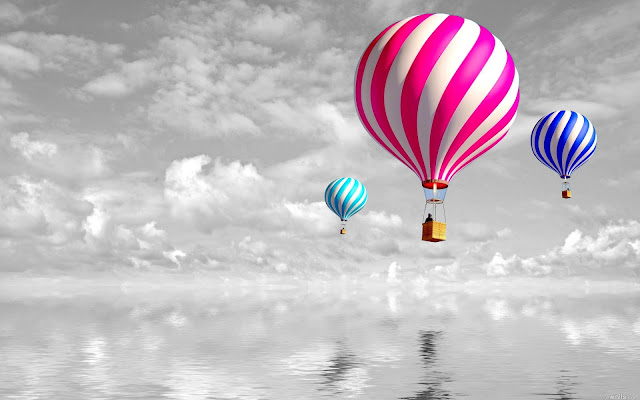
First I took the color out of the photo. Then I put the black and white photo in a document with the same photo, but colorized. Lastly I erased the black and white part of the hot air balloons.
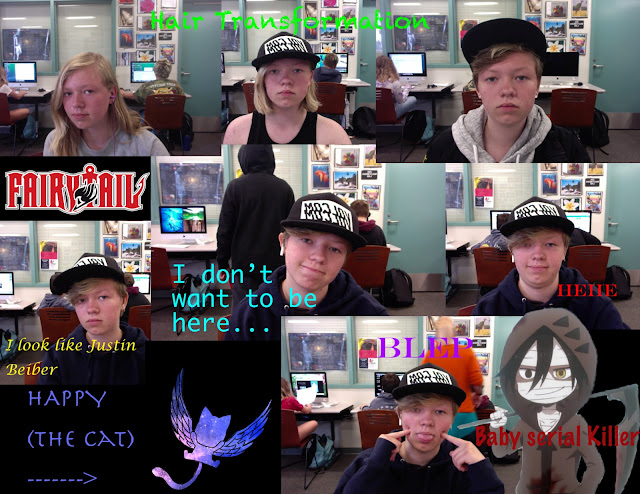
First I took multiple pictures of myself (and chose some old ones) and found some pictures on the internet of things I like. Then I arranged them into one document and added random texts.
Original For this assignment I took a picture of myself, erased around my face, and put it on the model. Then I adjusted the lighting and colors to (try and) match the models skin tone.
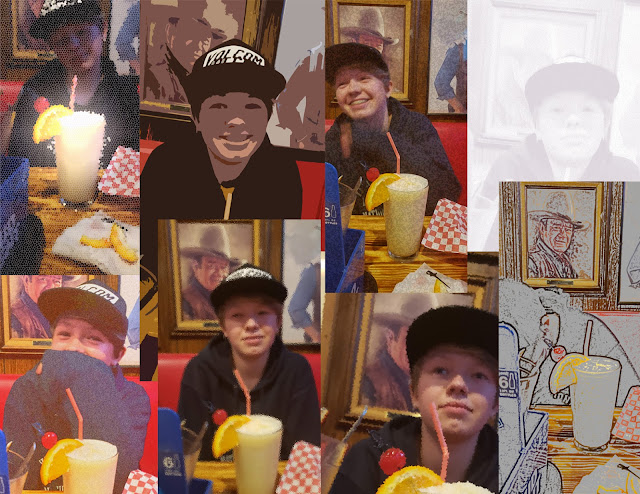
For this assignment I found a few pictures that my friend took of me while out at dinner. Then I put them in photoshop and added a different filter for each of them.